Published on December 21, 2025 at 12:00 PMUpdated on December 21, 2025 at 12:00 PM
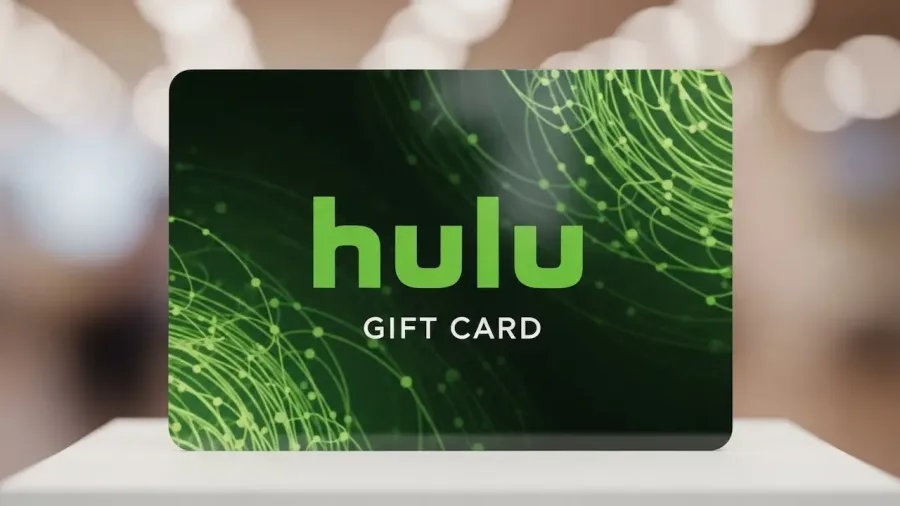
The question “Can you use a Hulu gift card for ESPN Plus?” is frequently asked by users navigating the complex billing structure of Disney’s streaming ecosystem. Since Hulu and ESPN Plus are sister companies under the Disney umbrella, the expectation is that their payment methods are interchangeable. The answer is nuanced: You cannot use a Hulu Gift Card for a standalone ESPN Plus subscription, but you CAN use it to pay for ESPN Plus if it is part of a Disney Bundle subscription that is managed and billed directly through Hulu.
This guide will clarify the definitive rules regarding Hulu Gift Card usage, explain the crucial differences in billing partners, and detail how to maximize the value of your gift card to gain access to ESPN Plus.
Phase 1: understanding the Hulu gift card limitations
Hulu gift cards are strictly designated for use within the Hulu payment system, which creates limitations when dealing with integrated services like the Disney Bundle.
1. Direct incompatibility
Standalone ESPN Plus: If you subscribe to ESPN Plus as a single, stand-alone service, you must pay with a major credit card, debit card, or PayPal. ESPN Plus does not have a native feature to accept Hulu Gift Cards, as their payment gateways are separate.
Disney+ Direct Billing: If you signed up for the Disney Bundle directly through the Disney+ website, Disney+ becomes your primary billing partner. Disney+ only accepts Hulu Gift Cards when used for a Hulu-billed subscription.
2. Hulu gift cards are for Hulu balance
Hulu Gift Cards redeem directly into your Hulu Account Balance.1 This balance is primarily intended to cover the cost of:
Hulu base subscription plans (Ad-Supported or No Ads).2
Eligible Hulu add-ons (like Enhanced DVR or Unlimited Screens).
The Consolidated Disney Bundle fee, provided Hulu is the recognized billing intermediary for the package.
3. Geographic and Currency Restrictions
Hulu Gift Cards are typically region-locked. They can only be redeemed and used for subscriptions billed in the country of purchase (e.g., U.S. dollar cards for U.S.-based accounts). If you travel abroad or use the service in a non-U.S. territory, the card will likely be rejected due to currency and licensing restrictions.
Phase 2: The critical factor: billing partner determination
The ability to use a Hulu Gift Card for ESPN Plus rests entirely on the entity that processes your consolidated Disney Bundle payment.
1. The unified Disney bundle payment
The Disney Bundle combines Disney+, Hulu, and ESPN+ into one package.3 While you access the services through three separate apps, they are billed together monthly.
2. The role of the billing partner
When you sign up for the Disney Bundle, your account is managed by one specific billing partner. This partner is determined by where you initiate the subscription:
Billing Partner
How Payment is Managed
Can Hulu Gift Card Be Used?
Hulu
Hulu charges the single, consolidated fee, and the funds are drawn from your Hulu credit balance (including Gift Card funds).
YES
Disney+
Disney+ charges the single, consolidated fee, and the funds are drawn from the Disney+ payment system.
NO
Third-Party Providers
Verizon, Apple, Roku, or Amazon handle the subscription and payment processing.
NO
Therefore, to use a Hulu Gift Card for ESPN Plus, you must ensure your Disney Bundle subscription is activated and billed directly through the Hulu platform.
Phase 3: maximizing value with the Hulu + Live TV Bundle
The greatest value maximization for a Hulu Gift Card is achieved by applying it to the most comprehensive package available: the Hulu + Live TV Bundle.
1. The live TV advantage
The Hulu + Live TV Bundle is Hulu’s highest-tier offering and always includes Disney+ and ESPN+ in the base price.
By redeeming your Hulu Gift Card onto your account, the credit covers the entire monthly cost of the Hulu + Live TV package.4 This is the most effective way to guarantee your gift card pays for the ESPN Plus component, alongside live sports and hundreds of channels, in addition to the on-demand libraries.
2. Redeeming the Gift Card: step-by-step
Go to Redemption Page: Navigate to hulu.com/gift.
Log In: Log in to your existing Hulu account or create a new one.
Enter Code: Enter the gift card code (usually found on the back of a physical card or in a digital email).
Confirm Balance: The value will be added to your Hulu account balance.
Billing Cycle: If you are already subscribed to the Hulu-billed Disney Bundle, the gift card credit will automatically cover your next consolidated monthly payment.
Phase 4: alternative ways to pay for ESPN Plus
If you cannot or choose not to subscribe via the Hulu-billed Bundle, you still have several flexible options for accessing ESPN Plus content.
Major Credit/Debit Cards: The most direct and universally accepted method.
Digital Wallets: PayPal is widely accepted across all Disney services.
App Store Payments: If subscribing through the ESPN app on an Apple or Android device, you can use Apple Pay or Google Pay.
Dedicated ESPN Gift Cards: If available, these cards are the only way to pay for a standalone ESPN+ subscription without using a primary financial instrument.
Conclusion
The direct answer to “Can you use a Hulu gift card for ESPN Plus?” is no for a standalone subscription. However, the Hulu Gift Card becomes a valid payment method for ESPN Plus when the service is accessed via the Disney Bundle and the entire package is billed through Hulu. By ensuring Hulu is your primary billing partner—and especially if you utilize the comprehensive Hulu + Live TV Bundle—your gift card credit will successfully cover the ESPN Plus access, maximizing the value of your gift card and streamlining your monthly streaming costs.