

Roblox
How to fix error Code 403 Roblox?
Unlock the secrets behind Roblox Error Code 403 and discover simple steps to regain access—your gameplay awaits just beyond this guide.


Roblox has grown into one of the most popular online gaming platforms, offering millions of players creative freedom, immersive experiences, and a vibrant community. Over nearly two decades, Roblox has evolved from a small idea into a global hub for gaming, creativity, and social interaction.
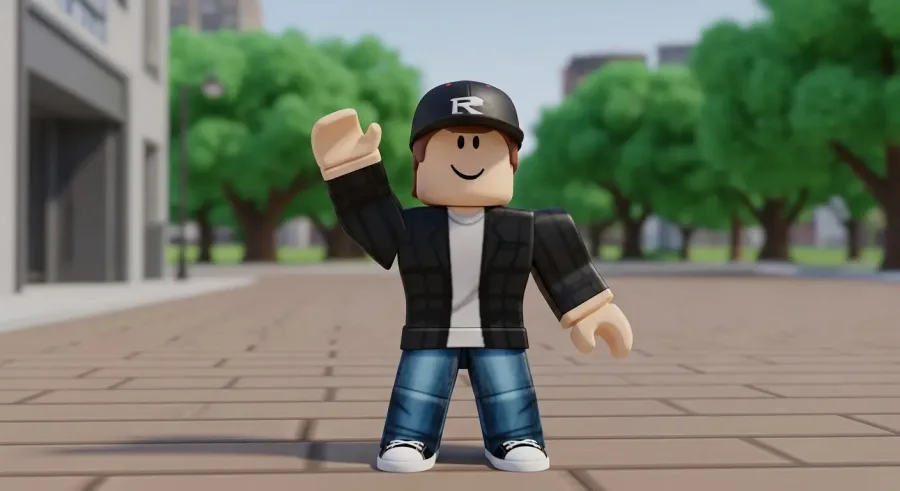
However, there may come a time when you decide that you want to delete your Roblox account—whether for privacy reasons, to take a break, or simply to start fresh. Deleting a Roblox account is a serious, permanent step, so it’s important to understand the process and prepare accordingly. This guide will walk you through every step of account deletion safely and efficiently.
Roblox is very clear that account deletion is permanent. Once your account is deleted, you cannot recover it, and all associated data, creations, friends, Robux, and purchases are lost.
To delete your account, Roblox requires you to contact their customer support team directly. This ensures that the deletion request is legitimate and protects your account from unauthorized removal. Roblox follows strict privacy and data-handling policies, permanently removing all personal information linked to the account once deletion is confirmed.
It’s crucial to think carefully before proceeding, as there is no way to undo the deletion process.
Before submitting a deletion request, take a few important preparatory steps:
Following these steps ensures that your personal data and in-game assets are handled appropriately and that the deletion process proceeds without issues.
The next step is to reach out to Roblox Support, as deletion cannot be completed directly from account settings. Here’s how to do it:
Roblox Support typically responds via email. They may ask for identity verification to confirm that you are the legitimate account owner. Once verified, they will process your deletion request. Following these instructions carefully ensures a smooth and efficient account removal experience.
Before deleting your account, it’s vital to protect your personal information. Here’s what you should do:
Taking these steps ensures that your personal data remains secure and private even after your account is permanently removed.
If you’re unsure about deleting your account permanently, there are several alternatives to consider:
These alternatives allow you to maintain control over your experience without permanently losing your progress, friends, or digital purchases.
Understanding these consequences helps you make a well-informed decision before proceeding.
Deleting your Roblox account is a permanent and serious decision that requires careful planning and preparation. From backing up data and canceling subscriptions to contacting Roblox Support for verification, following the proper steps ensures your account deletion is smooth and secure.
If you’re hesitant about permanently leaving Roblox, consider alternatives like adjusting privacy settings, taking a temporary break, or blocking unwanted interactions. These options allow you to control your experience without losing your progress, friends, or purchases.
Roblox continues to be a platform built around creativity, gaming, and community. Whether you choose to delete your account permanently or take a temporary step back, it’s important to make the choice that best fits your personal needs and online experience.
With this guide, you now have everything you need to delete your Roblox account safely and confidently, or explore alternatives that keep you connected while protecting your privacy.


Amanda has a degree in Languages, is a postgraduate student, and is passionate about content creation. After joining Cenário Capital, she discovered a strong interest in technology. She currently works on the Marketing team, in the SEO and Content squad.
Unlock the secrets behind Roblox Error Code 403 and discover simple steps to regain access—your gameplay awaits just beyond this guide.
Get step-by-step guidance on how to cancel Roblox Premium easily and avoid unwanted charges; learn what to expect after cancellation.

One game dominates Roblox with millions of daily players, but what makes it so irresistible might surprise you—discover the answer inside.
Stay hidden and play freely on Roblox by mastering simple steps to appear offline—discover how to control your online status effectively.
Find out the diverse devices and platforms where you can play Roblox, unlocking endless gaming adventures across screens you might not expect.
Protecting kids on Roblox involves understanding its safety features and risks—discover what parents need to know before letting children play.