Published on November 24, 2025 at 4:00 PMUpdated on November 24, 2025 at 4:00 PM
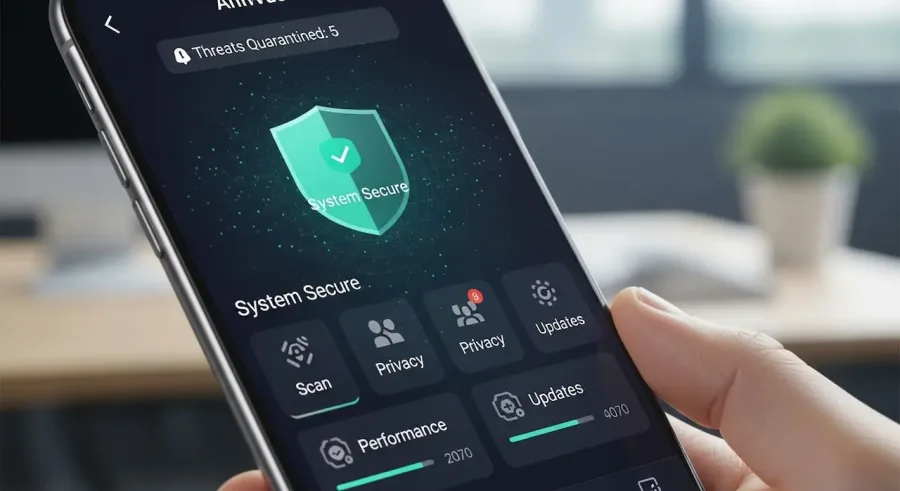
If you’re searching for the best free antivirus app for Android, you’ll find plenty of powerful and trusted choices to keep your device protected without spending a cent. With cyber threats increasing every year—malware, phishing attempts, ransomware, and unsafe apps—installing a reliable antivirus is essential for keeping your personal data secure. The top free antivirus apps for Android, such as Avast, Bitdefender, AVG, Kaspersky, and Sophos, each offer strong features ranging from real-time malware protection to privacy tools and device optimization.
When choosing the best free antivirus for Android, it’s helpful to compare what each option provides: security features, ease of use, speed, performance impact, and any extra tools like VPNs, app locks, or anti-theft settings. Each free antivirus app on this list caters to different user needs, whether you’re focused on simple malware detection, all-in-one privacy protection, or ad-free performance.
Not sure which free antivirus app for Android is right for you? Below, you’ll find a detailed look at what each option offers and how they help keep your device safe while improving your peace of mind.
Avast Antivirus & Security
Avast Antivirus & Security is one of the most popular and trusted antivirus apps for Android, used by millions of users worldwide. Known for its strong malware protection and wide range of features, Avast provides real-time scanning to block spyware, ransomware, malicious apps, and other security threats.
With Avast Antivirus & Security, you get more than just basic protection. The app includes:
Wi-Fi network security scanning to detect weak spots and unsafe networks
App Lock, allowing you to secure sensitive apps with PIN or biometric access
Anti-theft tools, including remote device lock and siren activation
Junk cleaner tools to help improve device performance
Avast stands out for offering many premium-level features for free, making it one of the best antivirus apps for Android users who want comprehensive protection without paying for an upgraded plan. Its simple interface ensures that even beginners can easily navigate and manage their device’s security.
Bitdefender Antivirus Free
If you’re looking for a lightweight yet powerful antivirus, Bitdefender Antivirus Free is one of the best apps you can choose. It’s known for offering excellent malware detection rates with almost no impact on device performance.
Bitdefender Antivirus Free offers:
Cloud-based scanning, keeping the app fast and efficient
Real-time protection, automatically blocking threats as they appear
Autopilot mode, which runs smoothly in the background without manual configuration
Automatic updates that keep your protection current
The biggest advantage of Bitdefender is that it provides strong protection while staying incredibly simple to use. You don’t have to customize complex settings—just install the app, allow it to run in the background, and your device will remain protected 24/7.
If you want fast, quiet, and hassle-free protection, Bitdefender Antivirus Free is one of the smartest choices for Android users.
AVG AntiVirus Free
AVG AntiVirus Free is one of the top antivirus solutions for Android and a favorite among users who want strong protection along with helpful extra features. AVG provides real-time scanning that detects viruses, spyware, ransomware, and harmful apps before they cause damage.
Key features of AVG AntiVirus Free include:
App Lock to add extra protection to sensitive apps
Wi-Fi network scanning to identify unsafe connections
Anti-theft tools, such as remote phone tracking and data wipe options
Performance optimization tools, including cache cleaning and RAM boosting
Photo vault protection, securing your private images behind encryption
AVG AntiVirus Free is a well-rounded app that balances performance and protection. It’s easy to use, runs efficiently, and provides valuable extra features that go beyond basic antivirus scanning. If you want a free antivirus that offers great security plus device optimization, AVG is an excellent option.
Kaspersky Security & VPN
Kaspersky Security & VPN is a top-rated choice for users looking for more advanced protection without sacrificing device performance. Kaspersky offers strong real-time malware detection as well as privacy-focused features that help secure your online experience.
With Kaspersky Security & VPN, Android users get:
Powerful anti-malware scanning to remove viruses and spyware
Anti-phishing protection to block dangerous websites
A built-in VPN for online privacy and secure browsing
Call filter tools, blocking unwanted numbers
Minimal performance impact, keeping your device running smoothly
The built-in VPN is one of the biggest advantages of choosing Kaspersky, providing safe browsing even on public Wi-Fi networks. The user-friendly interface makes everything simple to manage, whether you want to scan your device, activate the VPN, or adjust your privacy settings.
Kaspersky Security & VPN is perfect for Android users who want a combination of protection and privacy tools in one easy-to-use package.
Sophos Intercept X for Mobile
Sophos Intercept X for Mobile is a standout option because it offers enterprise-level features completely free and without ads—something rare in mobile antivirus apps.
Sophos Intercept X for Mobile includes:
Real-time malware protection with advanced threat detection
Web filtering, blocking unsafe or inappropriate websites
App scanning, identifying privacy risks
QR code checking to prevent malicious links
No ads and no paid upgrades, making it 100% free
Lightweight performance, ensuring your device doesn’t slow down
One of the strengths of Sophos is that it brings professional-grade technology to regular smartphone users. Its clean interface and ad-free experience make it ideal if you want maximum security without distractions or upsell attempts.
Conclusion
Looking for the best free antivirus apps for Android? You now have five powerful and trusted options to choose from. Apps like Avast, Bitdefender, AVG, Kaspersky, and Sophos deliver strong real-time protection, easy-to-use interfaces, and helpful extra tools—all at no cost.
Whether you prefer a lightweight antivirus like Bitdefender, a feature-rich option like Avast or AVG, or an ad-free security app like Sophos, these top-rated antivirus apps for Android make it easy to safeguard your smartphone from modern threats.
Explore these free antivirus apps for Android to keep your device secure, protect your personal data, and enjoy safer browsing. Download your favorite today and start experiencing worry-free mobile protection!